Who this manual is for
HIARM-TWIN-01 is an educational robot product. This manual guides teachers, students, laboratory operators, and equipment managers through installing the app and using the equipment. It covers HIARM-TWIN-01 Windows app 1.1.0.
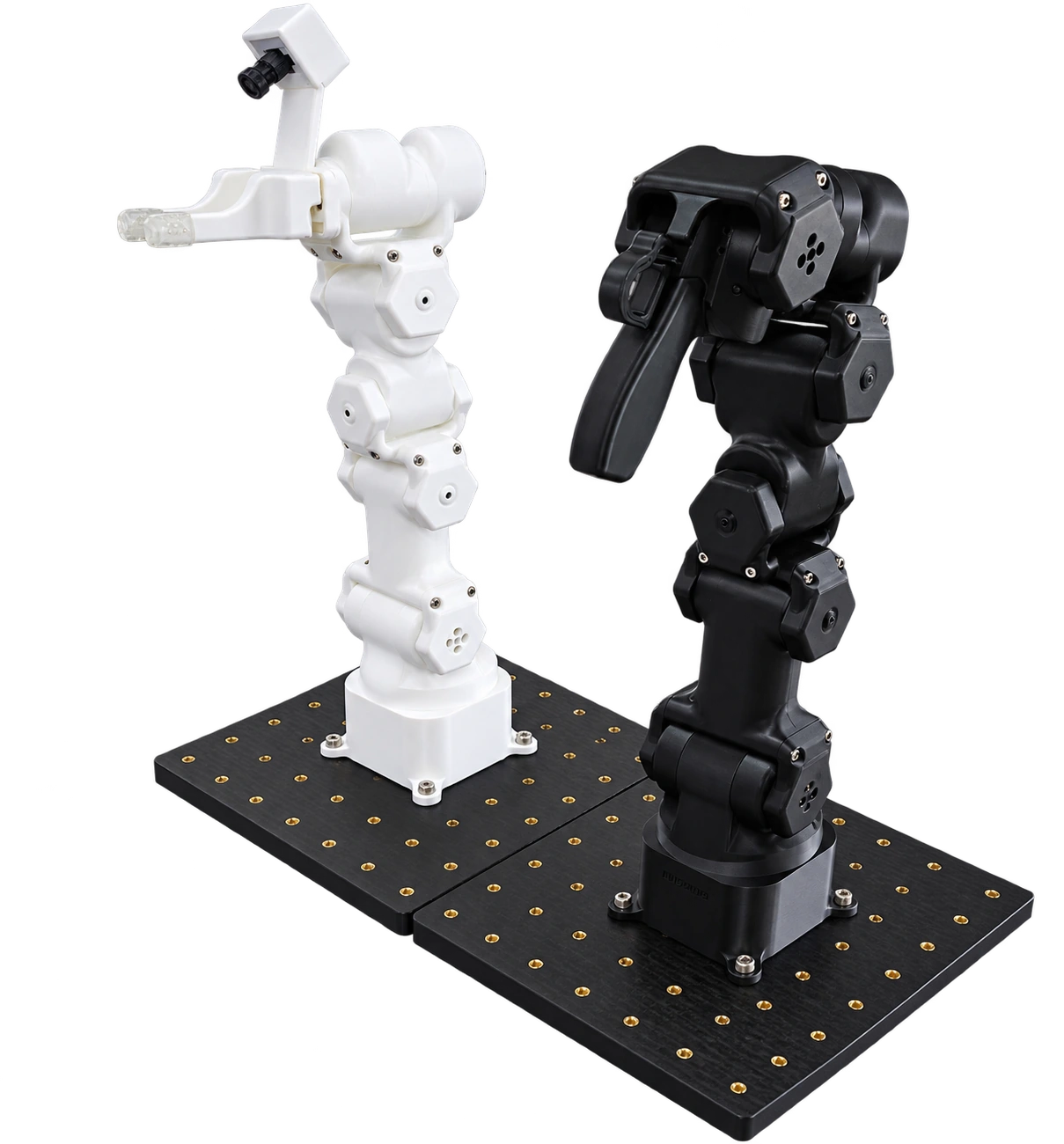
HIARM-TWIN-01: white follower (left) and black leader (right)
Requirements
| Item | Requirement |
|---|---|
| Operating system | Windows 10 or 11, x64 |
| Internet | Needed to download the installer and speech/cube models. Learning runtime setup uses packages included with the app and works offline |
| Hardware | Installation and Simulator use need no robot. Physical control requires HIARM-TWIN-01 |
At school or home, install with a teacher or guardian. When using real equipment, follow the supervision requirements in Safety.
First-use sequence
- Follow Installation to download and install the app.
- Open the Simulator to learn the app layout and joint directions first.
- Read Safety. Clear the work area before connecting physical power and USB.
- Read Assembly and wiring and Arm identification and connection. Prepare the follower first.
- Add the leader when using teleoperation or collecting demonstrations.